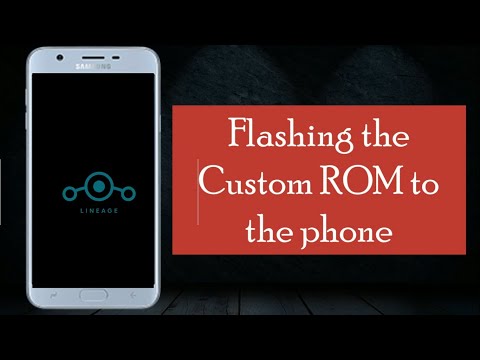
In this article, we will look at the installation steps involved in installing a pretty popular Custom ROM called LineageOS (This keeps updating with the original Google Android version):
Before we proceed further, make sure your phone bootloader is already unlocked.
Steps to Install Lineage OS
1. Download LineageOS from the official site, Click here. I have downloaded lineage-17.1-20210520-nightly-j7elte-signed.zip.

2. Connect the device to the computer using a USB cable and use the adb push command to copy the file to the /sdcard and unplug the cable once done.
You can also drag and drop by opening the device in Windows Explorer on your system:
3. Switch off your device and boot it into the recovery mode by pressing the volume up, home, and power buttons simultaneously. You will see the TWRP screen, click on Install:

4. Select the Wipe option from the menu. Now, swipe to Factory Reset which clears the cache, data, and Dalvik VM. You should see the Factory Reset Complete successful message after completion.

6. Click the Back button and select Install. Select the lineage-17.1-20210520-nightly-j7elte-signed.zip file as shown in the following screenshot:

7. Once you select the ROM, the following screen will be displayed:

8. Now Click on Swipe to Confirm Flash to begin the flashing process of the custom ROM.
9. Once the installation is complete, you will see the Zip Install Complete message as shown on my screen. Click on Reboot System to reboot the phone.
10. Once the device starts, you should see the LineageOS screen.

11. You will then see the usual Android system, set it up according to your liking, and if you like to use Google Play Store, download it from Open Gapps and install it with the help of TWRP.

12. Connect to the device from the system using a USB cable and check if you can log in as a root user.

13. A common problem appears for LineageOS users for the first time. The problem is with the root. You can't find the root permission for apps, you only have permission for ADB. So, if you want to root again then use Magisk Manager.



