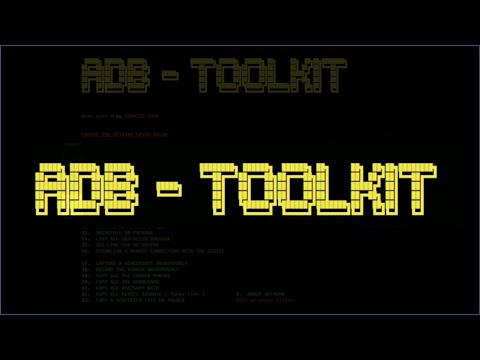
The ADB-Toolkit is a comprehensive BASH Script featuring 28 options, including a METASPLOIT Section with 6 additional options specifically tailored for penetration testing on Android devices. Developed in collaboration with ADB (Android Debug Bridge), this tool facilitates various tasks related to debugging and modifying Android applications.
Install & Configure on Linux
To get started with the ADB-Toolkit on Linux, follow these steps:
1. Open the Terminal and execute the command below to download or clone the ADB toolkit from its GitHub page:
2. Once downloaded, navigate to the toolkit directory and install it using the following commands:
3. After installation, you can launch the tool using the command:
For visual reference, a screenshot of the ADB Toolkit is provided below the commands.

Any further guidance on the usage of the ADB Toolkit can be found in a video tutorial, where users can watch and discover the answers to their queries.



